

-
Frame Bundle
Vendor:QavynexelRegular price €117,00 EURRegular price -
Nexus Guide
Vendor:QavynexelRegular price €172,00 EURRegular price -
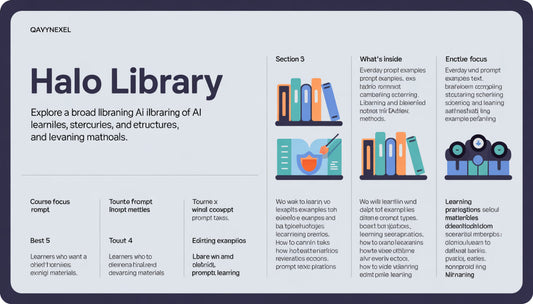
Halo Library
Vendor:QavynexelRegular price €190,00 EURRegular price -
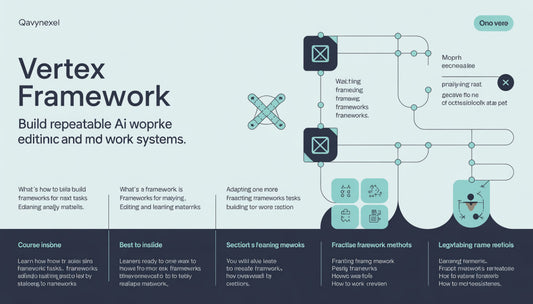
Vertex Framework
Vendor:QavynexelRegular price €200,00 EURRegular price -
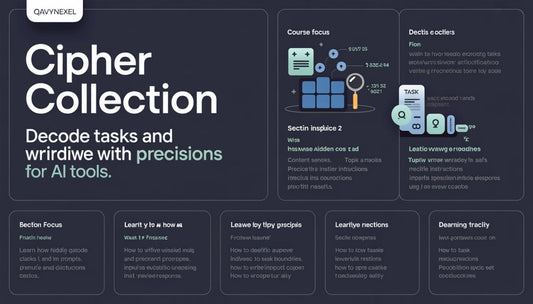
Cipher Collection
Vendor:QavynexelRegular price €215,00 EURRegular price -
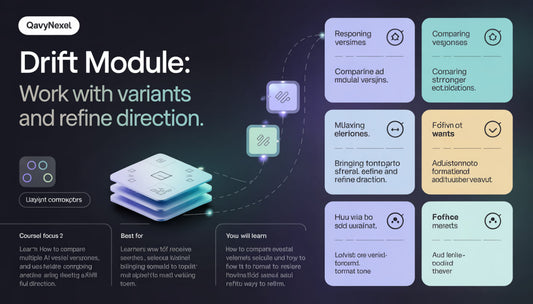
Drift Module
Vendor:QavynexelRegular price €245,00 EURRegular price -
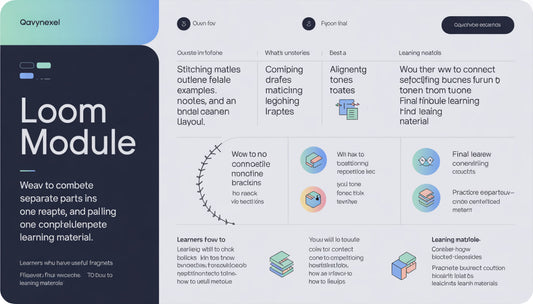
Loom Module
Vendor:QavynexelRegular price €296,00 EURRegular price -
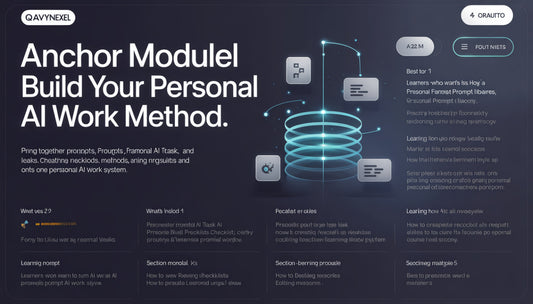
Anchor Module
Vendor:QavynexelRegular price €482,00 EURRegular price










When Learning Stays Nearby


Qavynexel Began With a Love for Clear Explanations

As seen on


The People Who Organize the Complex
-

Stanley Sims
AI Workflow Analyst
Stanley studies how AI
tools can help organize
everyday work processes.
He likes breaking complex
tasks into smaller stages
and creating clear schemes
for a team. At Qavynexel,
his work is connected to scenarios
where AI supports text work, planning, and information organization. -

Maria Rangel
Prompt Design Researcher
Maria studies how
prompt wording affects
the quality of an AI tool
response. She creates
prompt examples for
different learning
situations and reviews
how the result changes
after context
is clarified. -

Dean Gross
AI Task Mapping Specialist
Dean works with task
maps and helps turn
large topics into clear
blocks. He creates
schemes that show the
path from a first idea to a
ready learning draft. His
field shows how AI tools
can support sequential
work with information.


Begin With a Free Learning Fragment



30-days refund guarantee

AI Without the Noise: Learning With Shape
Stories of Quiet Progress
-

Lea Keith
Lea wanted to better understand how to use AI tools for planning, notes, and preparing short explanations.
She appreciated the sequence of materials: from basic understanding to examples, exercises, and response review.
“I liked that every section had a clear purpose and helped me work with AI tools more thoughtfully.” -

Floyd Randolph
Floyd started the course because he wanted to better understand how to write tasks for AI tools without receiving overly broad responses. He found the prompt examples, context explanations, and simple self-review checklists especially useful.
“The examples helped me slow down, add context, and review each response with more attention.”


Look Inside the Learning Paths
More Than Learning — A Collected System of Direction
-

Structured Learning
Our courses are organized step-by-step, making it easy to follow the material without feeling overwhelmed.
-

Practical Tasks
Instead of theory, we offer real-world tasks that help you practically learn to use AI tools.
-

Flexible Pace
Learning is done at your own pace, allowing students to study at their rhythm without rushing.
-

Ongoing Support
We provide support at every stage of learning, helping to resolve any questions or issues that arise.


